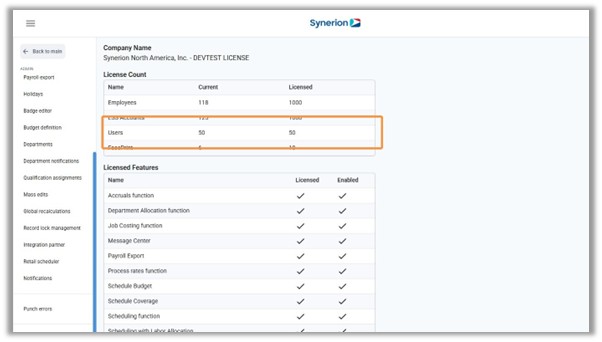
Learn how to add a new user, or reactivate an inactive user in your Synerion Agile system when your user count meets or exceeds the licensed limit.
If you have reached the limit of available user licenses in your Synerion Agile system, a warning message will be displayed on the User Manager page.
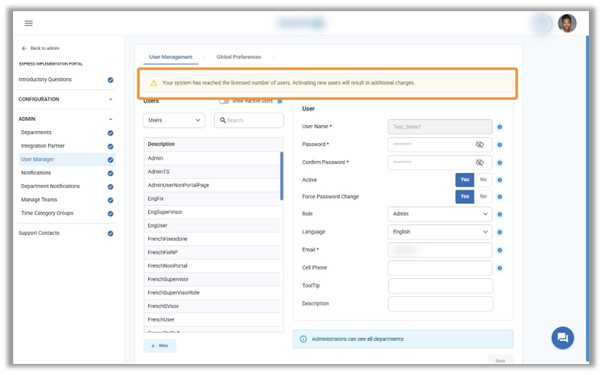
The “New” button will now remain active, allowing users to create new accounts.
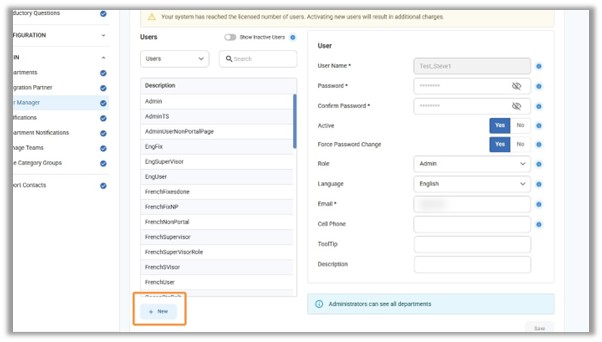
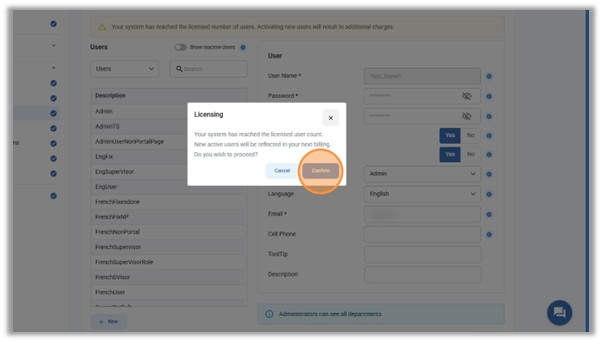
Upon clicking the New button, or clicking Yes to reactivate an inactive user account, a prompt will inform the user about the licensing limit and any additional costs that will be incurred.
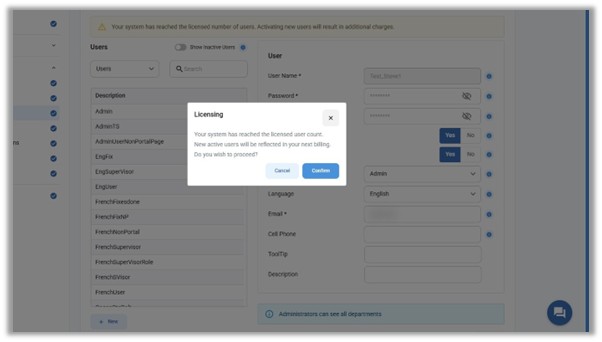
Clicking Confirm will create or reactivate the user account.
Upon successful creation, the user count is updated on the System Info page.