
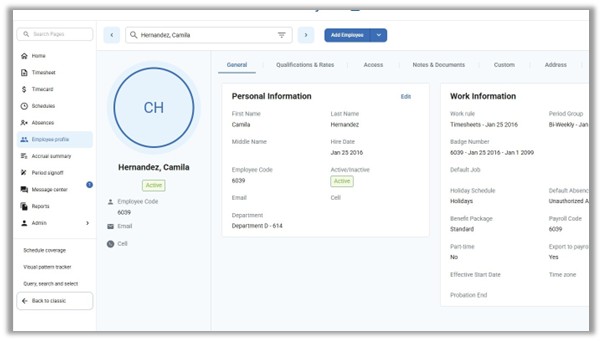
Navigate to the Employee profile tab, and select the employee for whom you would like to add a PIN
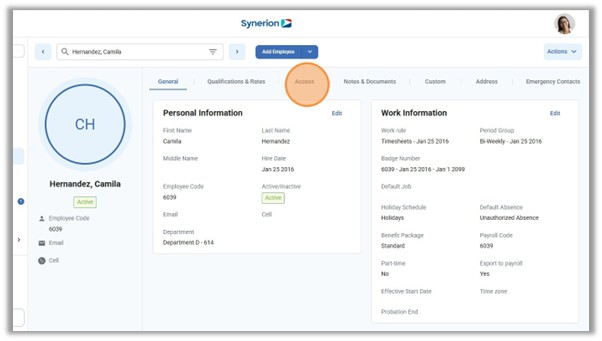
Click Access tab
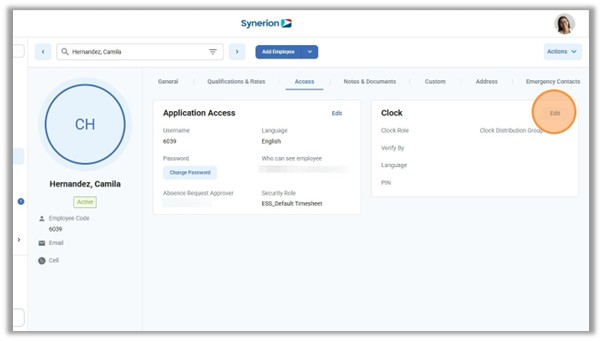
Click Edit in Clock section
In the Verify By dropdown menu, select PIN
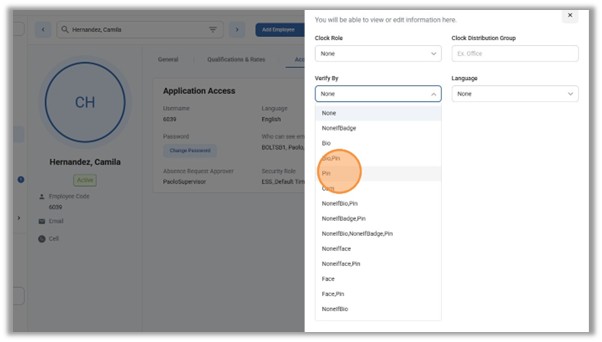
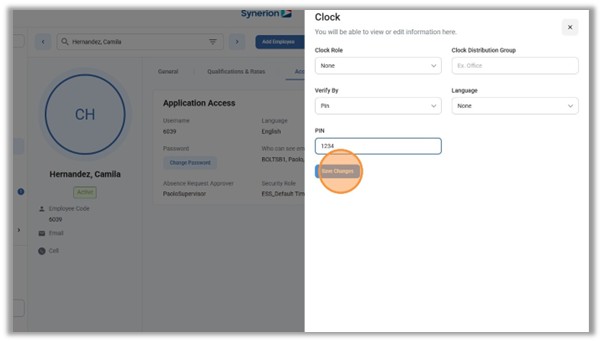
In the PIN field, type the desired PIN number for the employee
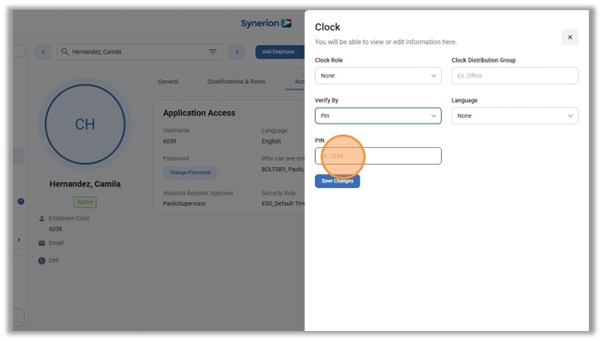
Click “Save Changes”
Changes are synced to the clock every 4 hours and on reboot of the clock. If the changes need to be synced immediately, please reboot the clock to force the sync.